A way to reach loved ones
Keep saved caregiver contact information current so a helper has a way to connect.
Meet your new comfort companion
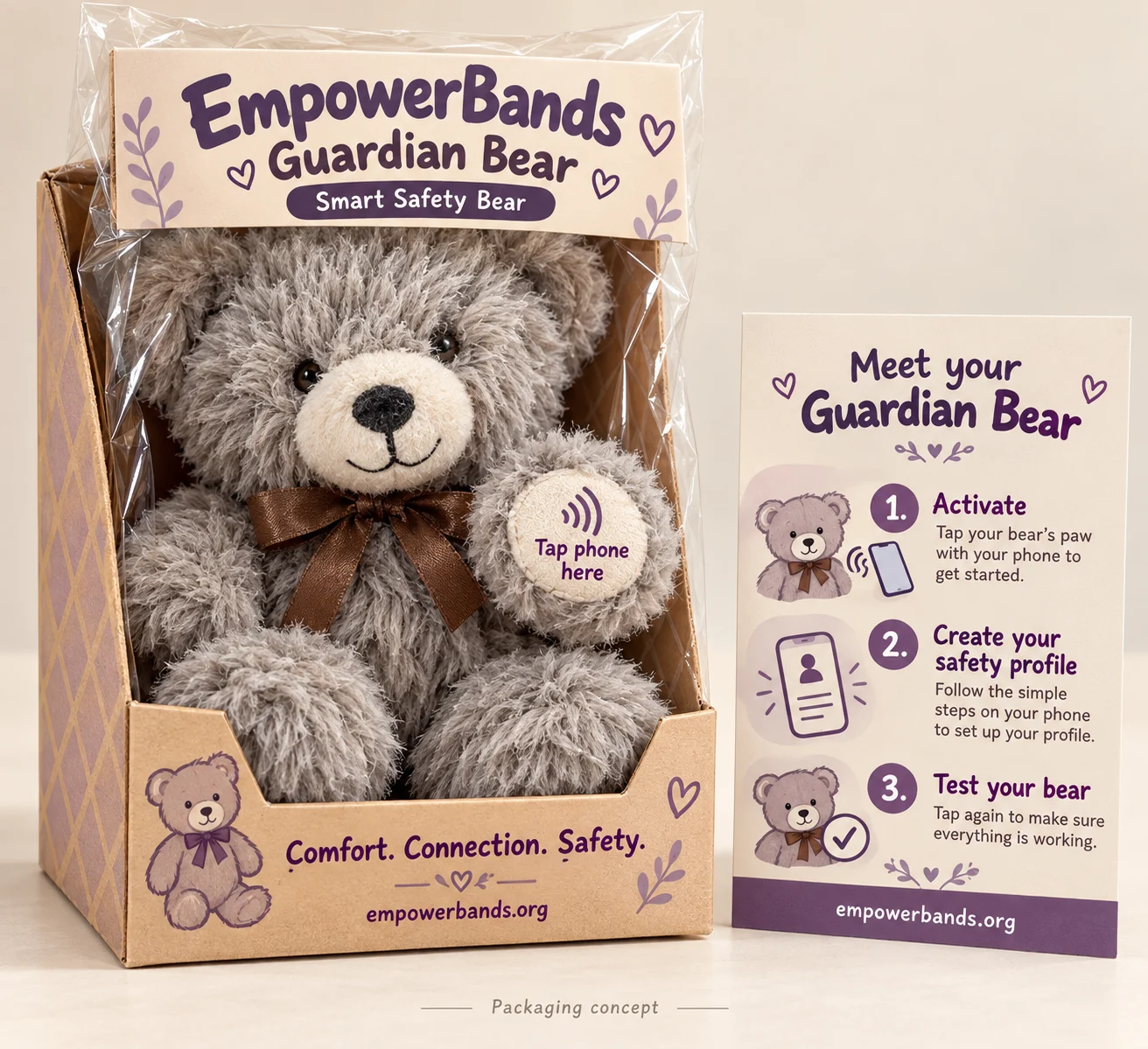
Meet Guardian Bear, the EmpowerBands Smart Safety Bear—a soft companion with an embedded NFC Safety ID that opens a safety profile with a compatible phone tap.
Already part of your family? Update your Safety Profile →
Comfort to hold. Helpful information within reach.
A simple beginning
Use the existing EmpowerBands Safety ID activation and profile tools.
Open the activation page and enter the Safety ID and activation code supplied with your bear. Keep your activation code private.
Start activation →Add caregiver contacts and helpful instructions. Choose public details carefully and set a PIN for protected medical notes.
Hold a compatible phone near the embedded tag. Open the link and review what a helper can see. Update contacts whenever they change.
Manage your profile →Thoughtful information, shared with care
A familiar bear can accompany a child while the connected profile helps a parent explain important support needs.
Families can use the profile to provide caregiver contacts, practical instructions, and relevant care information. Review the public view before sharing the bear.
Explore a sample Safety Profile →Keep saved caregiver contact information current so a helper has a way to connect.
Share the guidance you want helpers to know, such as communication preferences or calming routines.
Public instructions are visible to people opening the profile. Private medical notes use the Safety ID platform’s PIN protection.
From April’s worktable
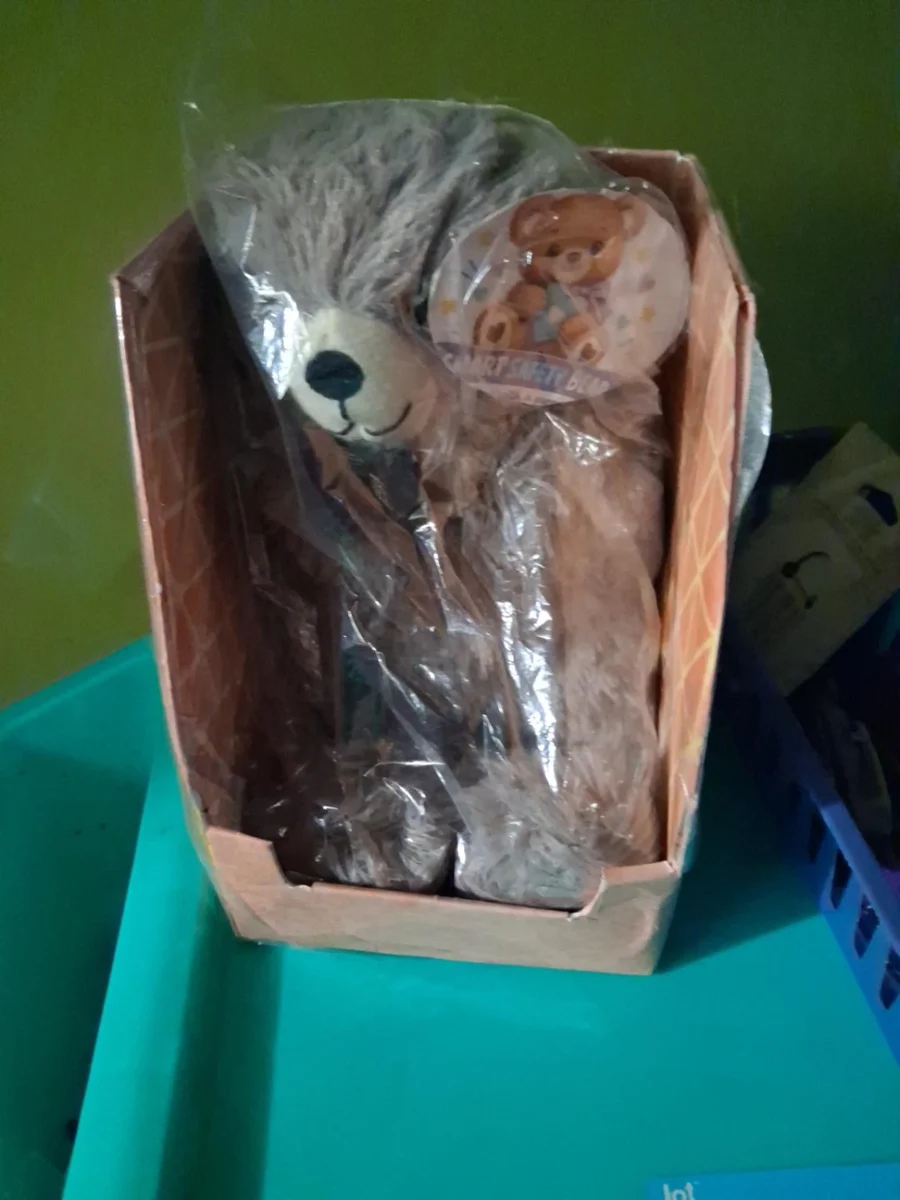
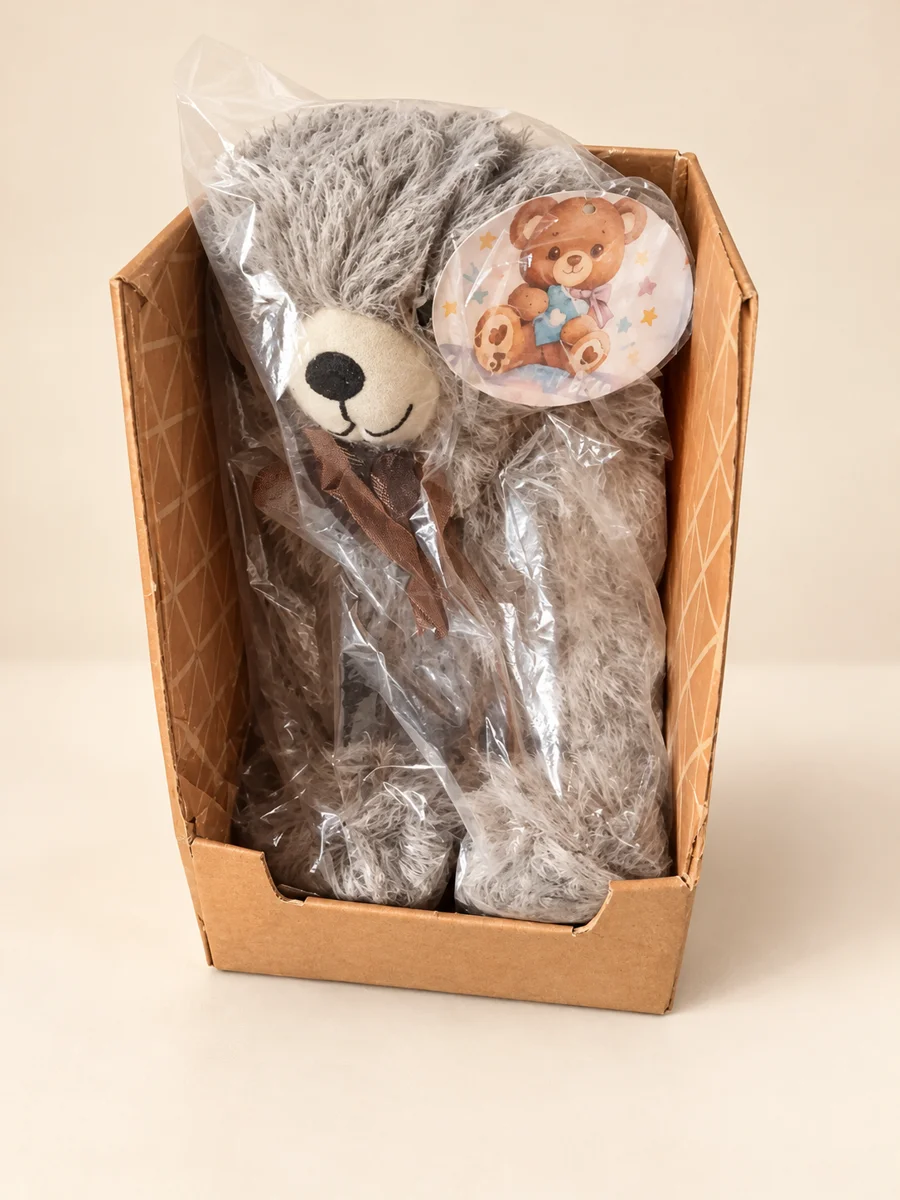
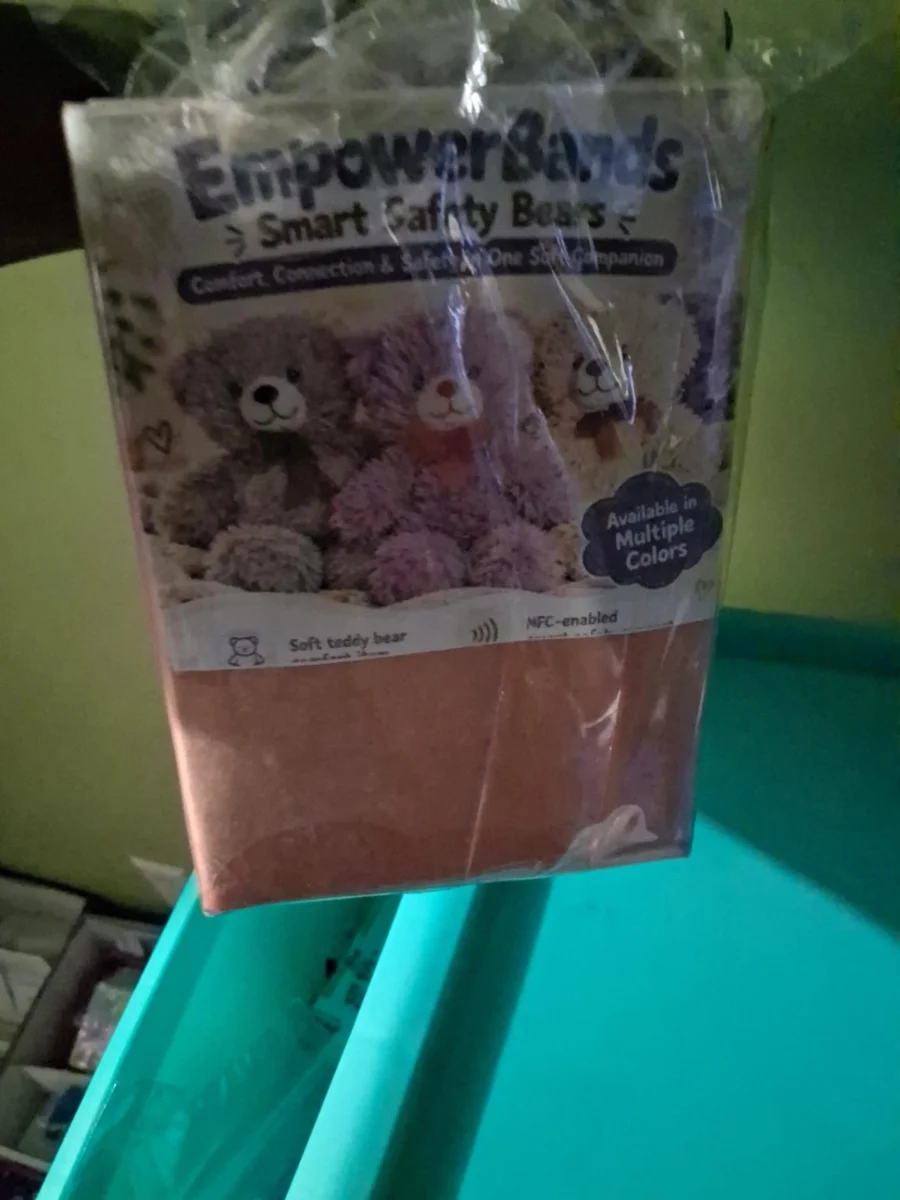
See an enhanced view of April’s actual package alongside the original information-card photo. The studio packaging above shows a proposed presentation.
Bring a Guardian Bear home
Contact EmpowerBands for Guardian Bear pricing, available colors, and pickup or delivery options. For schools and care teams, include the quantity you are considering.
Pricing and availability confirmed by our team before payment.
A few helpful answers
A compatible NFC-enabled smartphone can read the embedded tag. NFC support, reader position, cases, and settings vary. The phone needs internet access to load the web profile; no special EmpowerBands app is required.
Ask our team to show you the tag’s location on your actual bear. Hold the phone’s NFC reader close to that area and open the notification. The paw marker in the packaging preview is a proposed design, so check your bear’s supplied instructions.
People who open the linked profile can see its public information. Add only details you intend to share there. Protected medical notes require the profile PIN. Review the profile yourself before allowing others to use it, and keep activation codes and access details private.
The embedded NFC module does not provide live GPS tracking, audio recording, or a camera. It opens a web profile when tapped. Any supported phone-location sharing is a separate, permission-based action on the phone.
Yes. Use Manage My Profile and follow the verification steps. Keep caregiver contact details current. If you cannot access the linked phone number, contact our team for help.
Follow the bear’s care label and confirm cleaning guidance with EmpowerBands before washing a bear with an embedded module. We have not published a machine-washable or waterproof rating. Test the NFC tap after cleaning.
Contact EmpowerBands with your Safety ID for help reviewing next steps, and review the contacts on the linked profile. The bear does not broadcast its location, and recovery depends on someone finding it and using its tag. Do not share your activation code publicly.
Parent–teacher and caregiver messaging is planned, rather than an available feature promised by this page. We will share confirmed availability and subscription details when it launches.
No. It is a companion with access to a Safety Profile, and it relies on a working phone and internet connection. It does not replace adult supervision or contact emergency services automatically. In an emergency, call 911 directly.
Give that familiar face a helpful connection.